Organise an outing
Reading: 2 min · 5 steps
Say where and when you fly. Your friends know where to find you, and can come along.
1. Say where you fly
Open « Outings ». On the « I fly » line, choose the day, type the place in « Where? », then tap →.
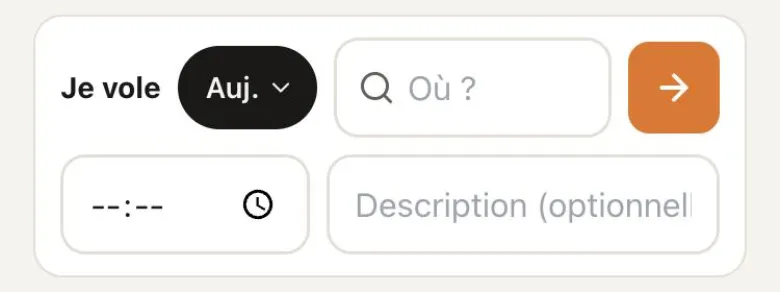
Time and description: optional. Type a town (« st andré ») to find its takeoffs. ☆ keeps your favourite sites. 2. Your outing opens
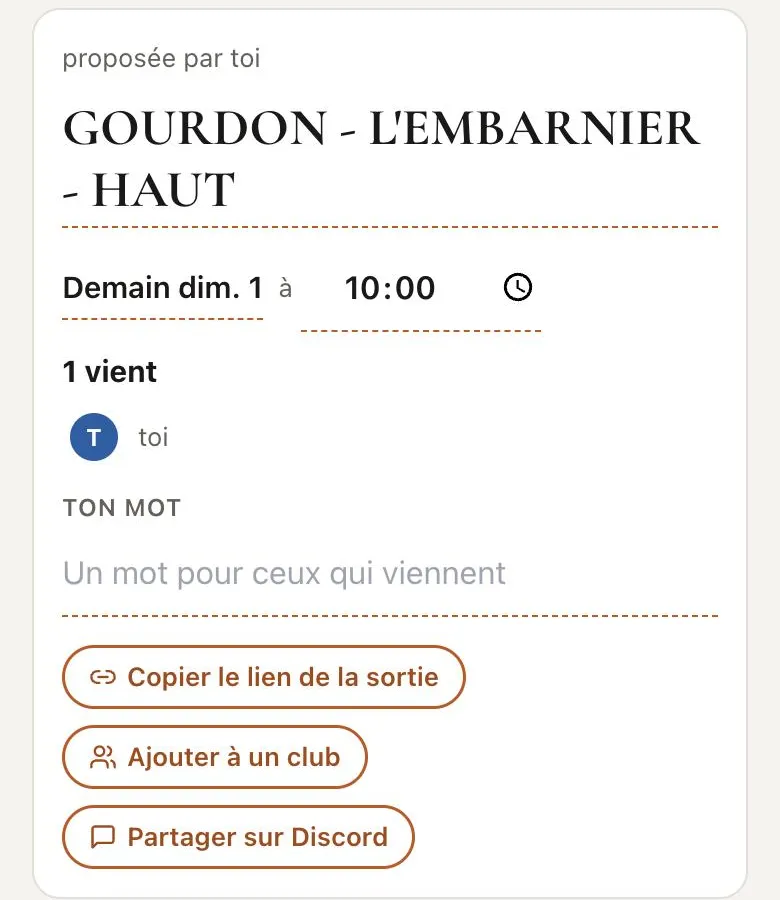
Tap the day or the time to change them. « Your word »: a word for those who come.
3. Share it
« Copy the outing link », then paste it anywhere. « Add to a club »: it shows in the club's Outings tab.
Your club linked Discord? « Share on Discord » posts it on your server. 4. Answer an outing
« I'm coming »: you are on the list. Changed your mind? « I'm not coming any more ». To get organised, write in the chat, under the outing.
5. Suggest a plan
Coming along? Under the flight plan, tap « Duplicate and edit ». Change it, then send: your suggestion lands in the chat.
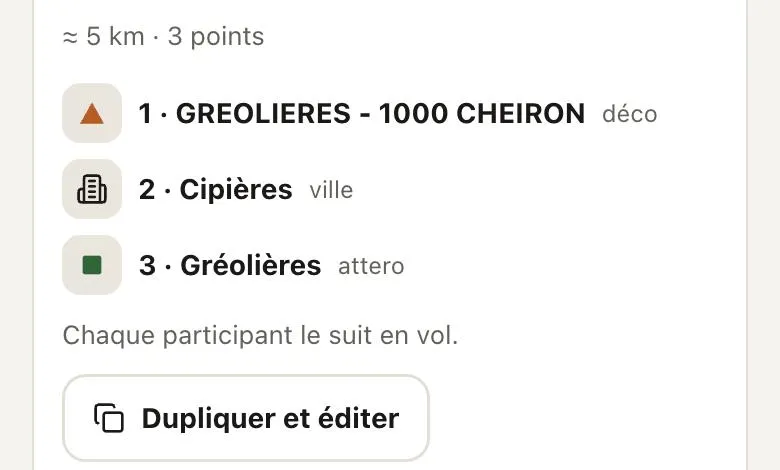
The outing's plan does not change: the organiser opens your suggestion and chooses.
Good to know
Never write an address or a phone number in the chat: the meeting point is enough.
Need a lift back up? See the « Follow my friends » page.