My club
Reading: 2 min · 4 steps
Join your club: you see who is in it and who flies today.
1. Find your club
Open Following › Clubs. Type your club's name, then « Join ».
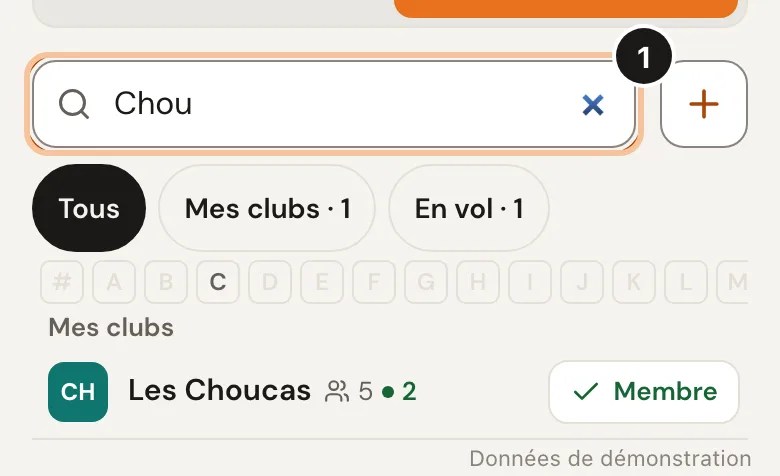
You are in at once, no approval needed. 2. Follow its members
On the club page, tap « Follow » next to a username.
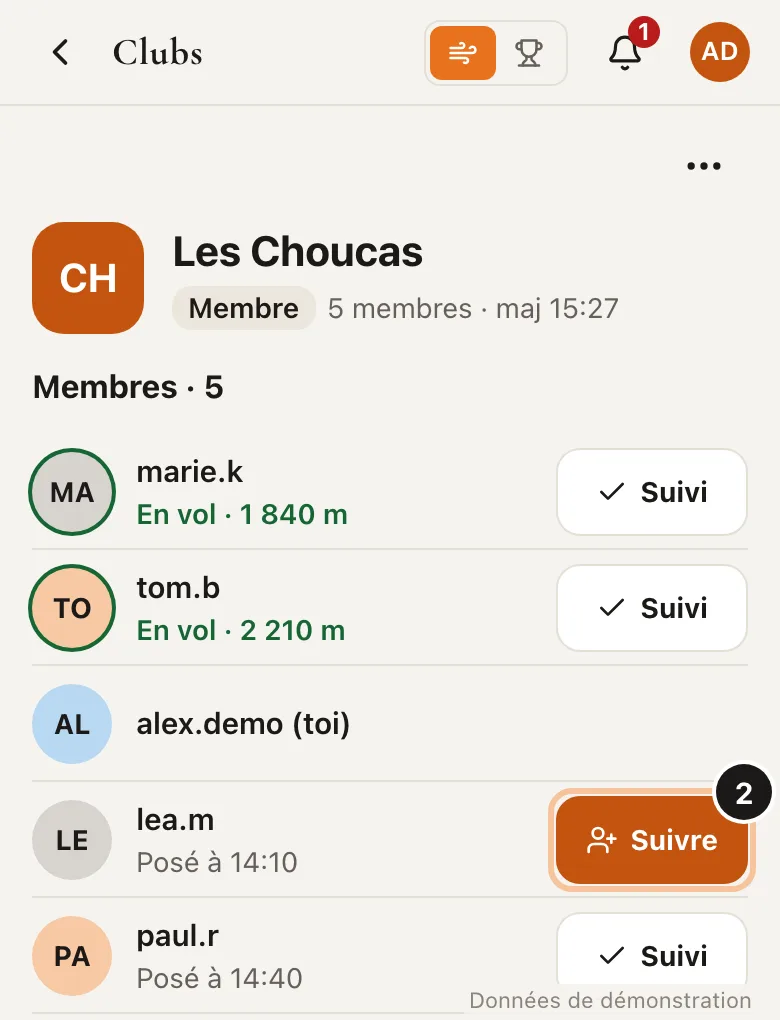
No need to be a member to follow a member. 3. Share the Live page
On the club page, menu ⋯ › « Share the link ». The page shows the members flying or landed today, no account needed.
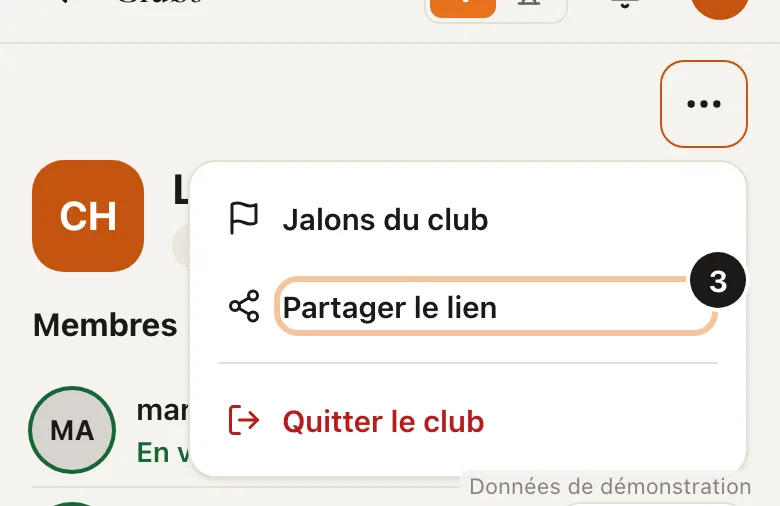
Paste the link in the club's WhatsApp or Telegram group. 4. Your club is not there?
No result? Tap « + » right of the search. You become the club's manager. You can then name admins.
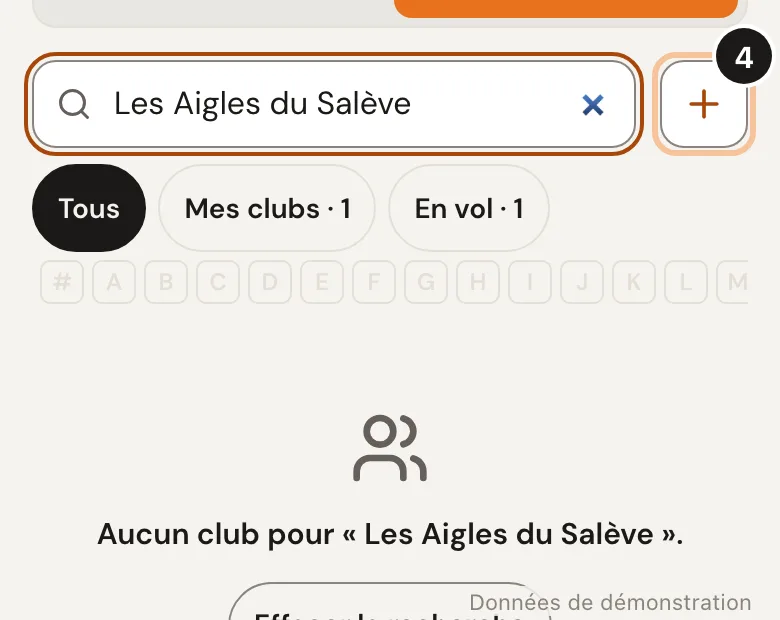
You can change the name later on the club page.
Good to know
Only members see who is flying right now.
Premium Club: the Live page also shows on the club's website (« Embed on a website »).