Follow my friends
Reading: 2 min · 4 steps
Following a friend means being told when they take off and when they land.
1. Find your friend
Open « Following ». Type their XContest username in the search.
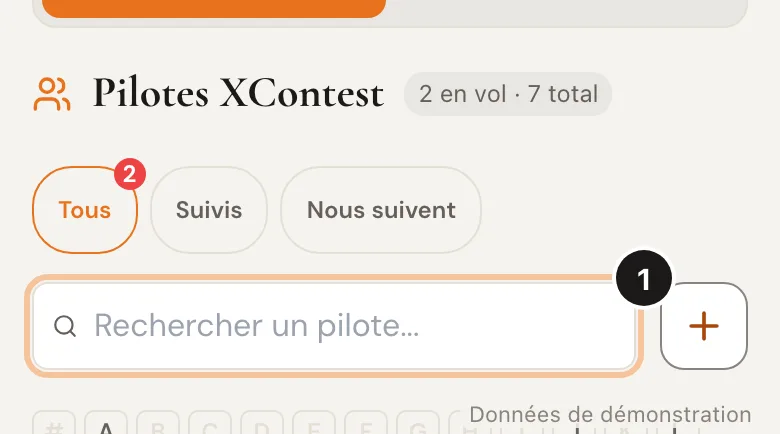
« Follow us »: the pilots who follow you. 2. Tap « Follow »
Tap the « Follow » icon right of their name. Tap it again to stop.
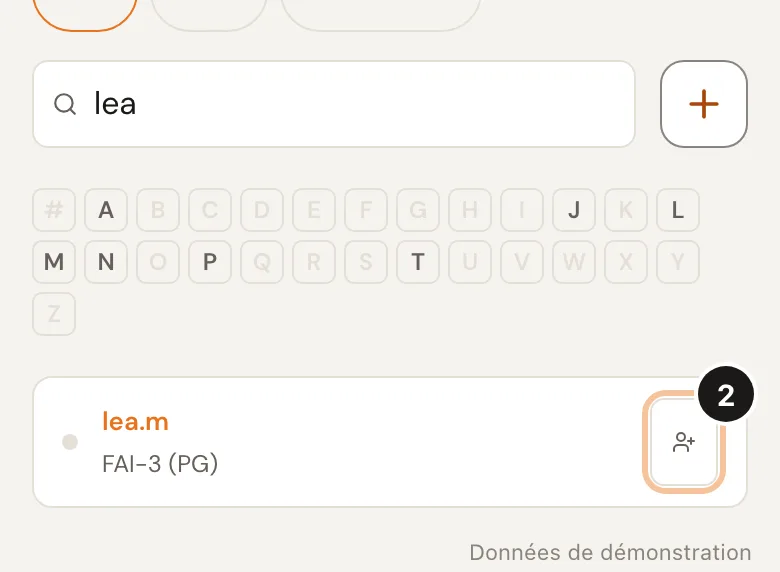
Your friend gets « X follows you » and can follow you back. 3. Watch the Live
🪂 flying, 🛬 landed, ⚪ offline. 🟢: they said OK. △ 56 km: the triangle of their current flight. Tap a row to see their day.
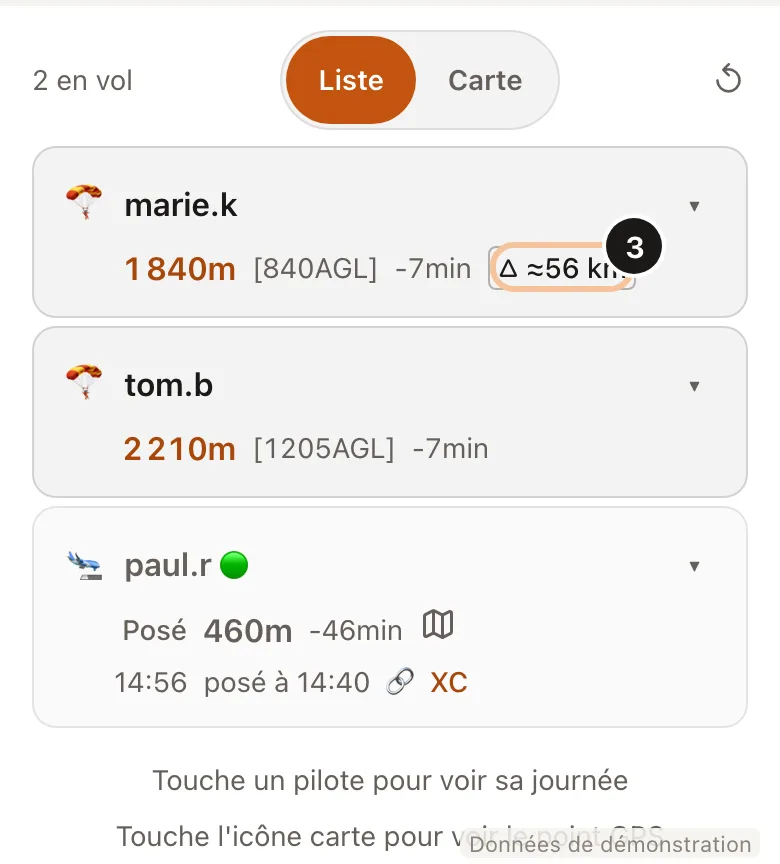
Landed pilot: the map icon shows the spot in satellite view. 4. Get the messages
The FlyBuddy bot writes to you at every take-off and every landing. The bell 🔔 at the top of the screen keeps the news, like « X follows you ».
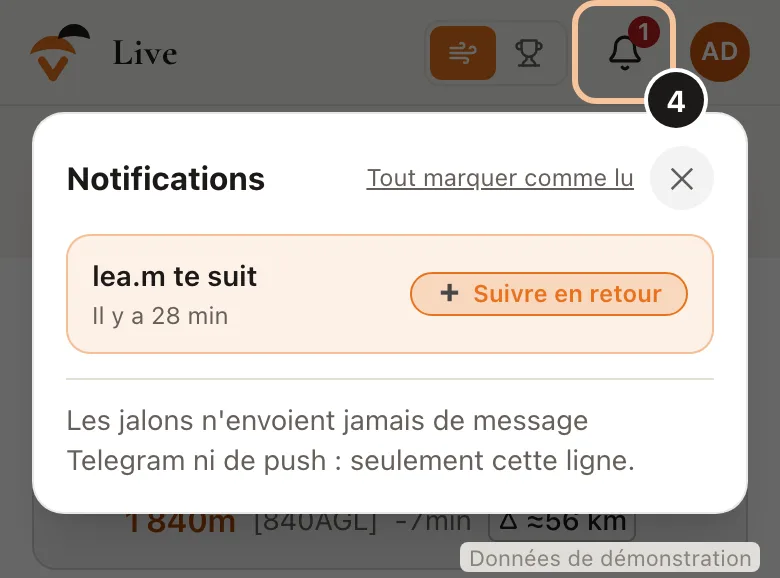
Without Telegram: install the site and allow notifications (Apps page).
Good to know
Your friend shows up after their first flight with XContest Live.
Someone follows you and you do not like it? Following › Follow us › « Block ».
Times are shown in your phone's time zone.