Get started
Reading: 2 min · 5 steps
FlyBuddy tells your friends when you take off and when you land. It reads your flight on XContest Live.
1. Create your account
On flybuddy.fr, tap « Get started ». Choose Telegram, Google or your e-mail.
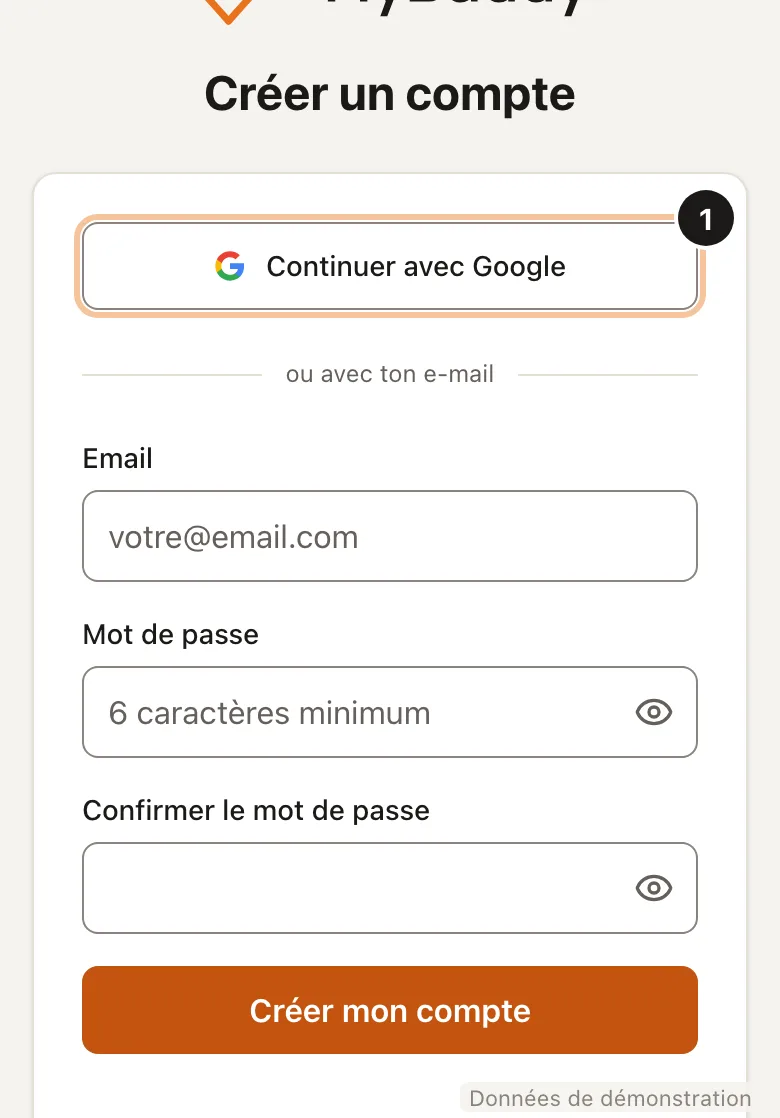
One account is enough, even if you change devices. 2. Confirm your e-mail
Type the 6-digit code you got by e-mail. Without it, your account stops after 24 h.
Only if you signed up with your e-mail. 3. Type your XContest username
It is the name your friends see. No XContest account? Tap « No »: you can still follow your friends.
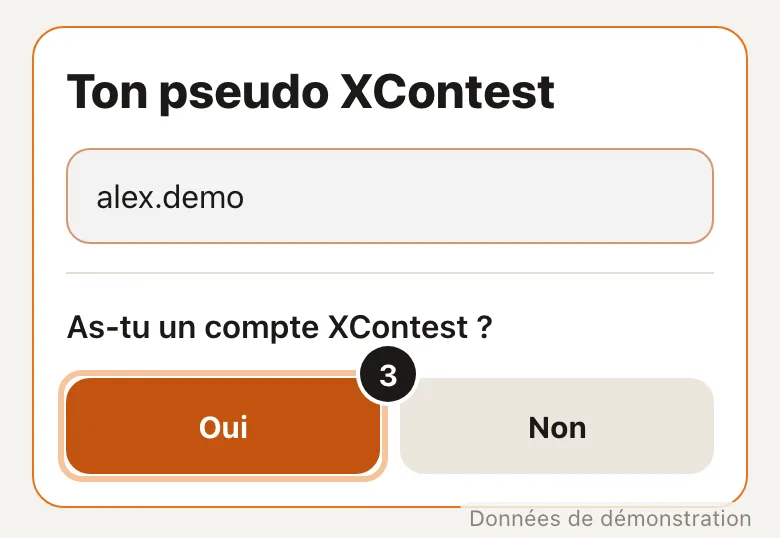
« No »: you follow your friends, but they do not see you fly. 4. Link XContest
Tap « Open the XContest page », at the bottom. There, click « Yes, enter », then copy your UUID. Come back, paste it, tap « Connect ».
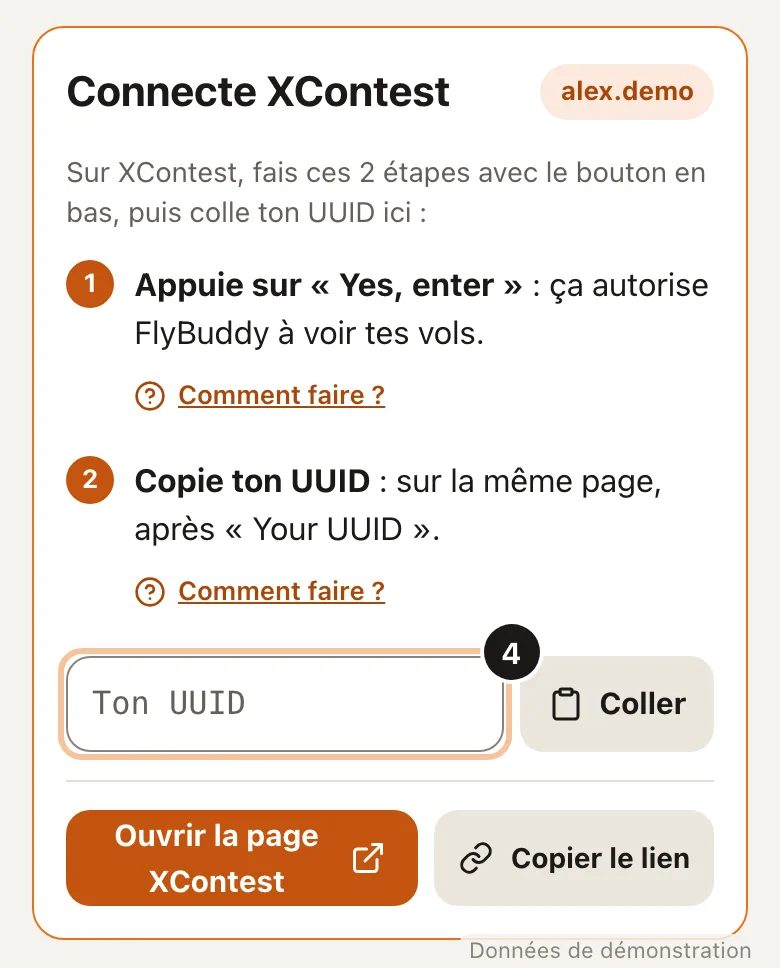
Read the two instructions first: the button is at the bottom. 5. Turn on XContest Live
In your vario or in XCTrack, turn on XContest live tracking. Without it, FlyBuddy cannot see you fly.
Your profile turns green after your first live flight.
Good to know
The UUID is your XContest identifier: a string of letters and digits, written after « Your UUID ». It proves this username is yours.
Telegram is optional. If you use it: open the FlyBuddy bot and tap « Start ». Profile › My accounts links your Telegram and your e-mail.
Language: FR · EN at the top of the screen. Light or dark theme: Profile › Appearance.
Your menu: More › « Customize menu ». Pick the shortcuts of your bar, on the site and in Telegram.