XCTrack widget
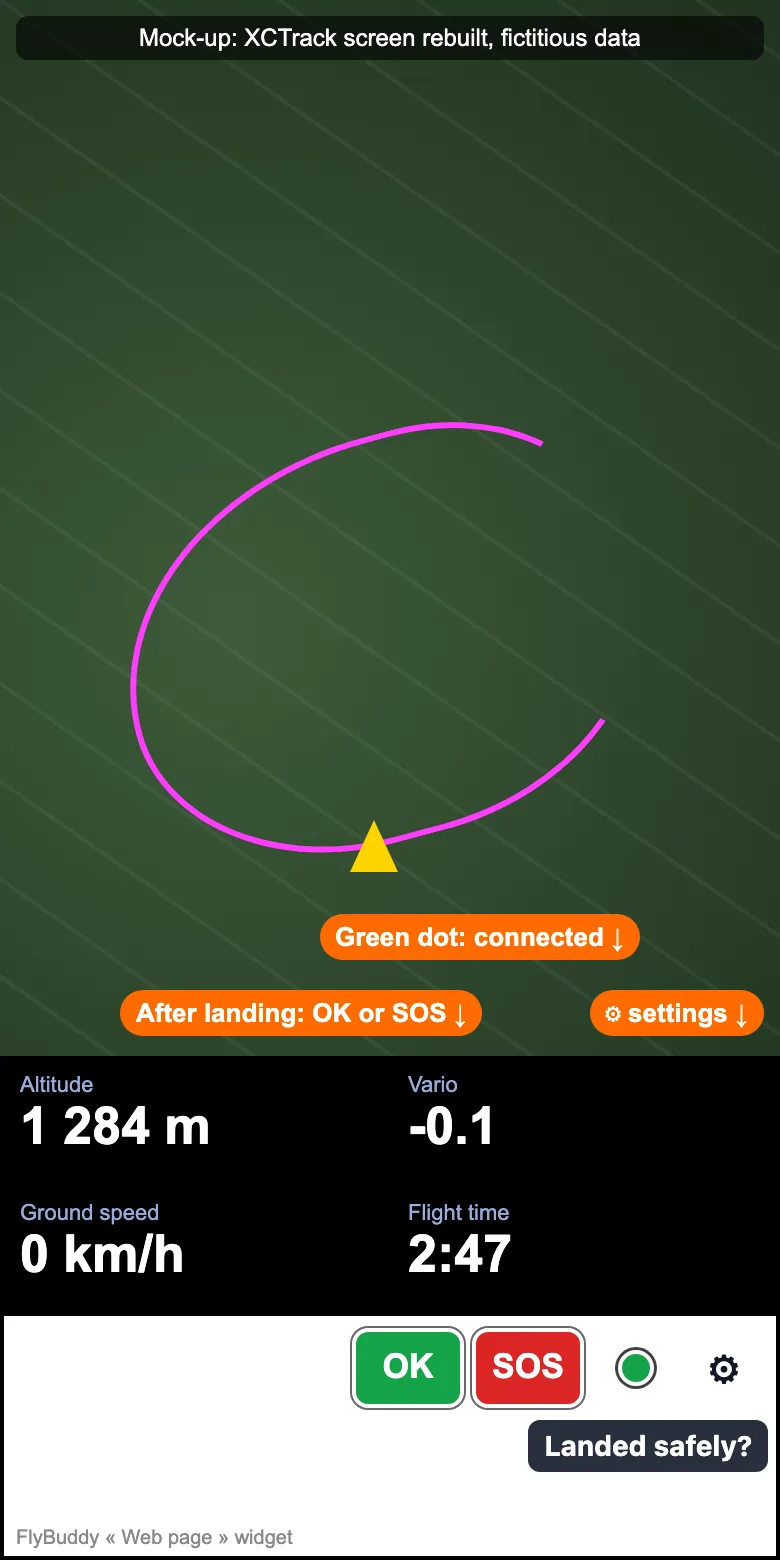
A small widget inside XCTrack. After landing it asks « Landed safely? »: OK or SOS in one tap, and your friends are told.
What it does
- After landing: « Landed safely? » with OK and SOS. Your FlyBuddy friends get your answer.
- In flight: it sends your track every 5 min. Your friends see it on the map.
- The rest of the time: just a dot and ⚙ in a corner. No sound, no animation.
You need
- An Android phone with XCTrack Pro (« Web page » widget).
- A FlyBuddy account linked to your XContest username.
- Your widget address: More › Apps › XCTrack widget › « Get my address », then « Copy link ».
Widget address
https://flybuddy.fr/widget/Your personal address starts with this address and holds your key. Paste it whole.
Set it up in XCTrack
1. Copy your address
FlyBuddy: More › Apps › XCTrack widget › « Get my address », then « Copy link ».
2. Add the widget
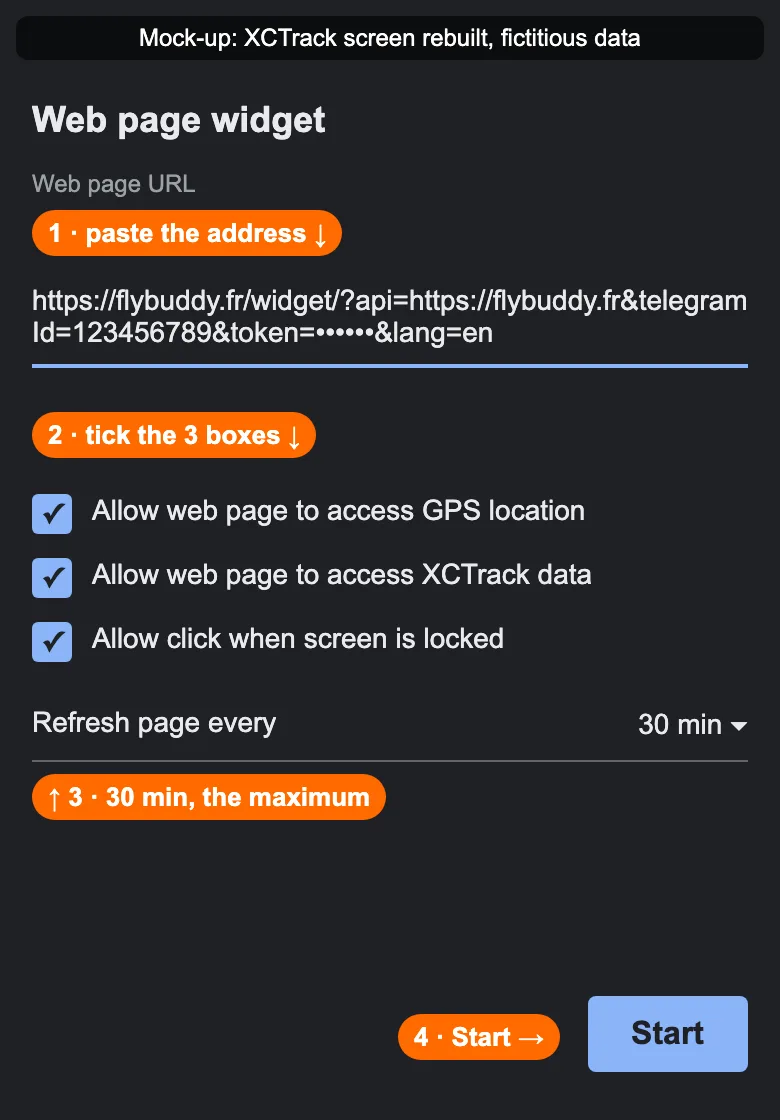
XCTrack: Customize › Add widget › Web page. Put it on your flight screen, in a wide, low box.
3. Paste the address
Into « Web page URL ». Then tick the three « Allow … » boxes.
4. Refresh: 30 min
Set « Refresh page every » to 30 min, the maximum.
5. Tap « Start »
The dot turns green within seconds: you are ready.
Settings ⚙
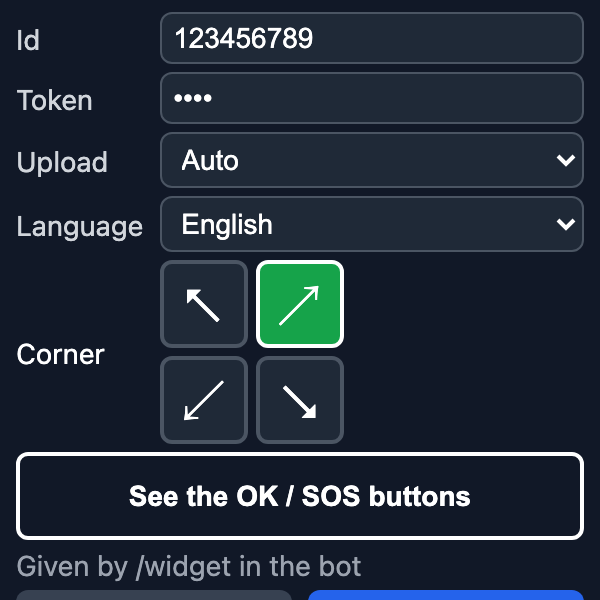
- ID and Token: already in your address. Leave them.
- Upload: keep « Auto » (every 5 min).
- Language: French or English.
- Corner: where the dot and ⚙ go.
- « Show the OK / SOS buttons »: a test on the ground, nothing is sent.
The OK and SOS buttons
- Fixed size: 56 × 40 px, whatever the size of the widget box.
- They only show after landing: after a flight, 7 s standing still.
- Narrow box: they move to a second line.
- No answer after 3 min: a small « Landed? Answer » reminder.


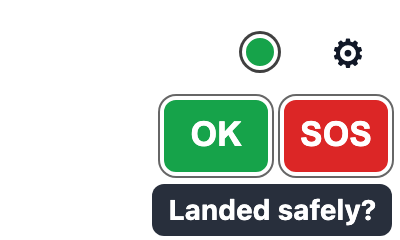
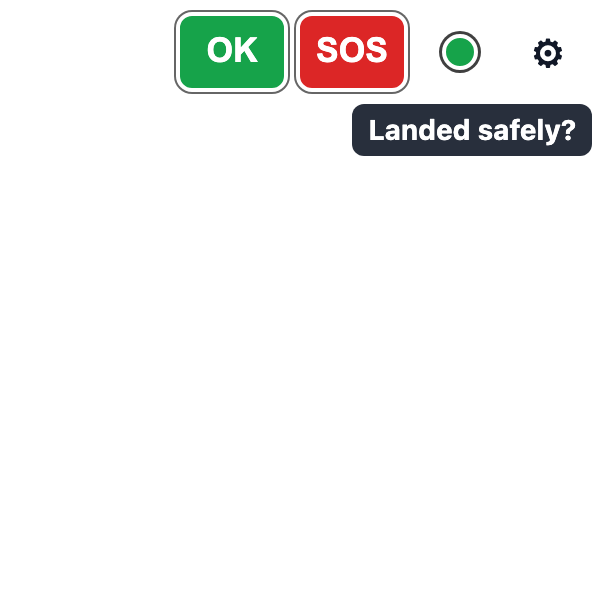
The widget in three box sizes: 200 × 120, 400 × 120, 300 × 300. OK and SOS keep the same size.
What is sent, and to whom
- OK: your friends see you landed safely.
- SOS: your friends get an alert with your position.
- Your track: you, your friends during the flight and the FlyBuddy admin. Kept 90 days.
- Your widget address is personal: do not share it.
Limits
- It is not a rescue beacon: keep your usual means.
- It needs a network. Without one, your answer goes out as soon as it is back (2 h at most).
- Android only: XCTrack does not exist on iPhone.
- Only one « Landed safely? » per 20 min.
- In test: a detected fall only alerts the FlyBuddy admin, not your friends.