Free extension · Firefox
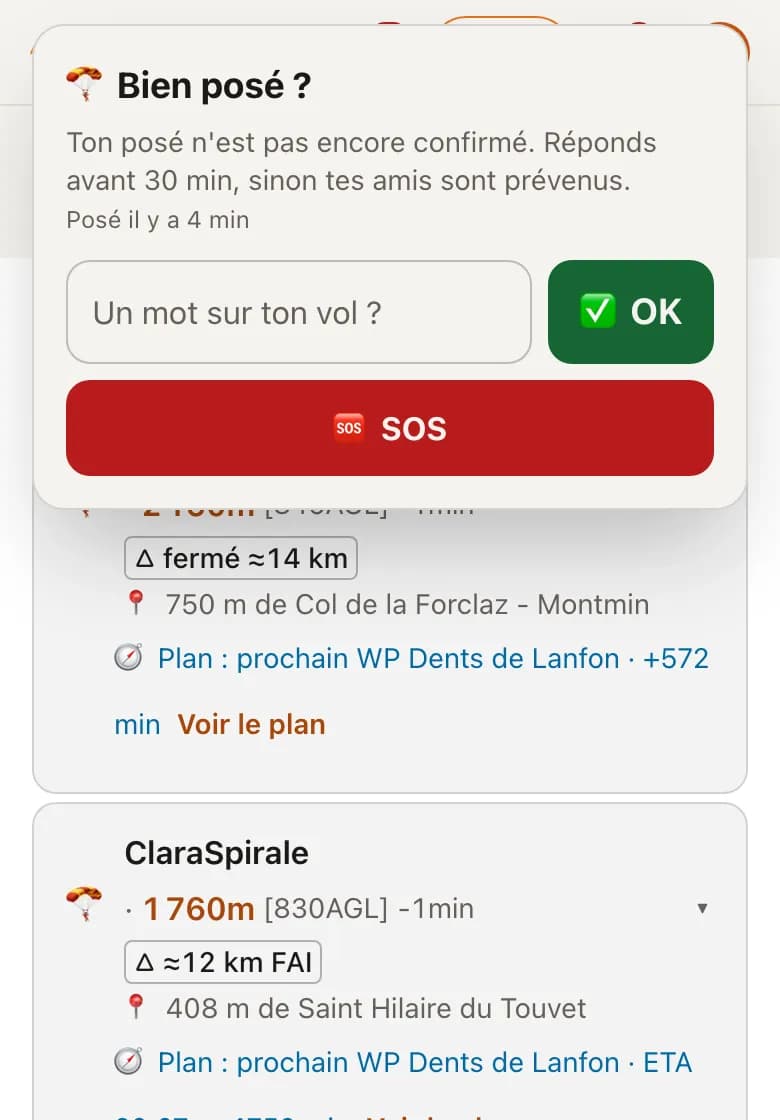
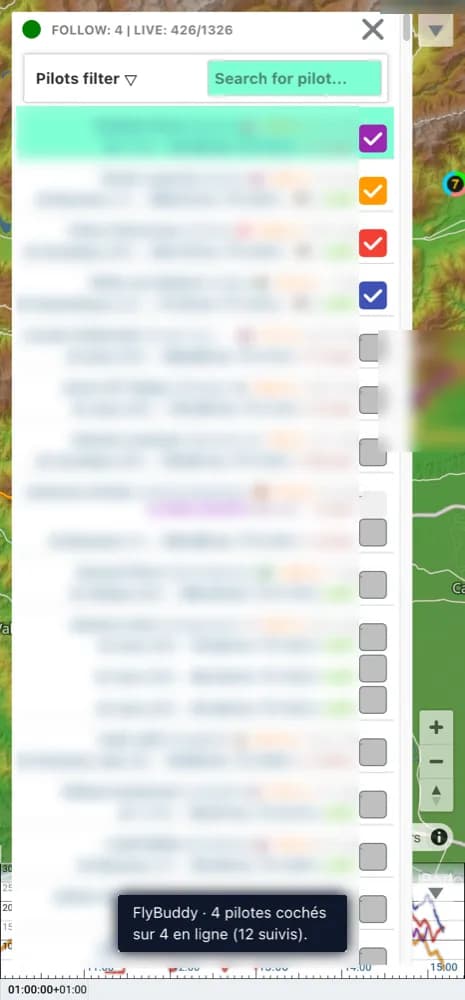
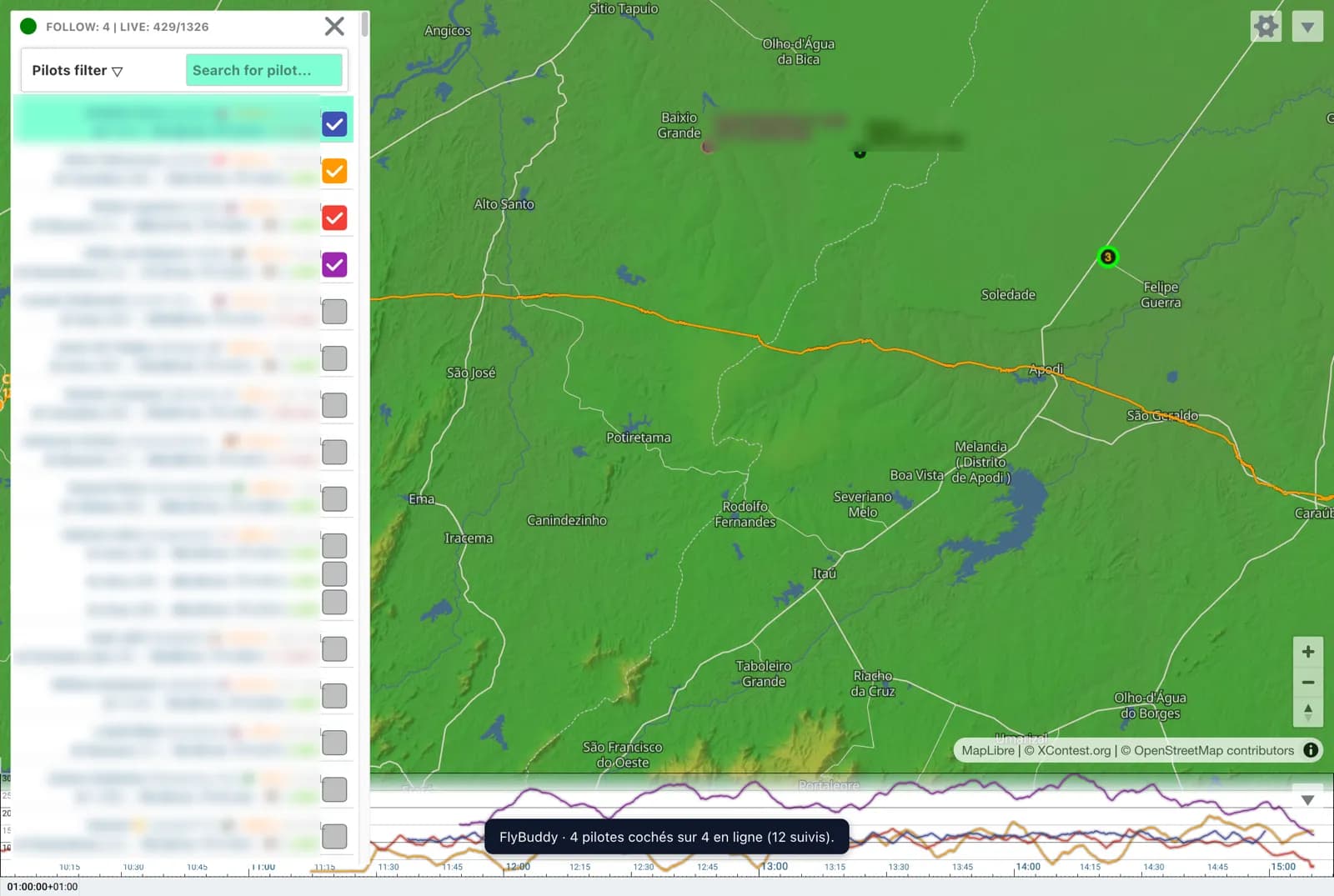
Your friends ticked automatically on the XContest live map.
No more searching for each username: as soon as you open the map, the pilots you follow on FlyBuddy who are flying are ticked.
On phones, Chrome does not accept extensions. On Android, install it in Firefox. Not on iPhone yet.
Free · Firefox (desktop and Android) · Chrome soon
In 3 steps
- Install the extension in Firefox (desktop or Android).
- Sign in to FlyBuddy and follow your friends. No account yet? Create it, it's free.
- Open the XContest map: those flying are ticked. Open the map ↗
Shortcut on Android: open the XContest map in Firefox, then menu ⋮ → « Add to Home screen ». In Chrome on Android, the map opens but nothing is ticked: the extension does not run there.
And that's just the start
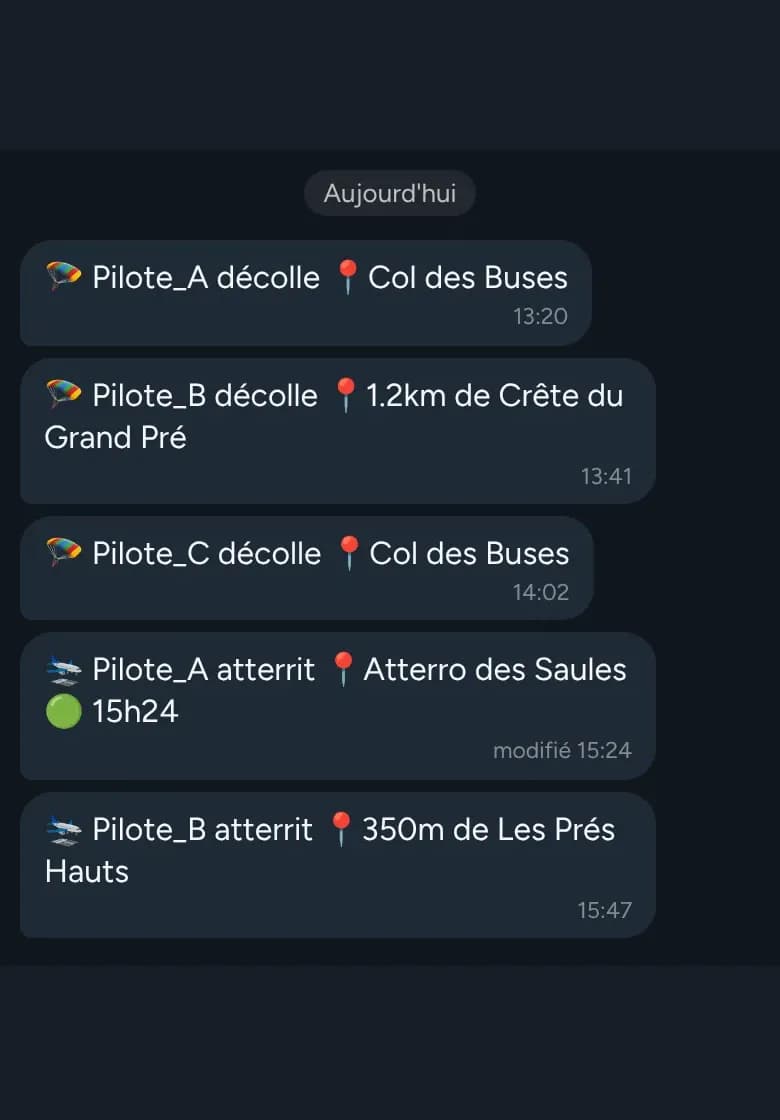
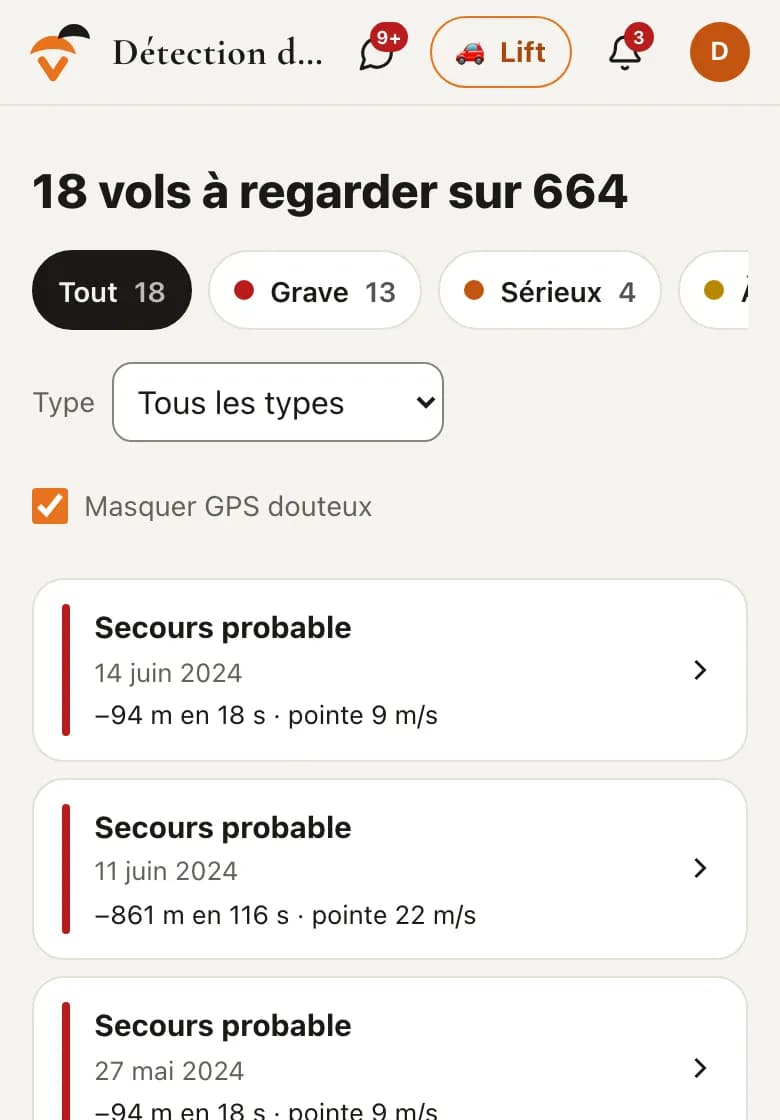
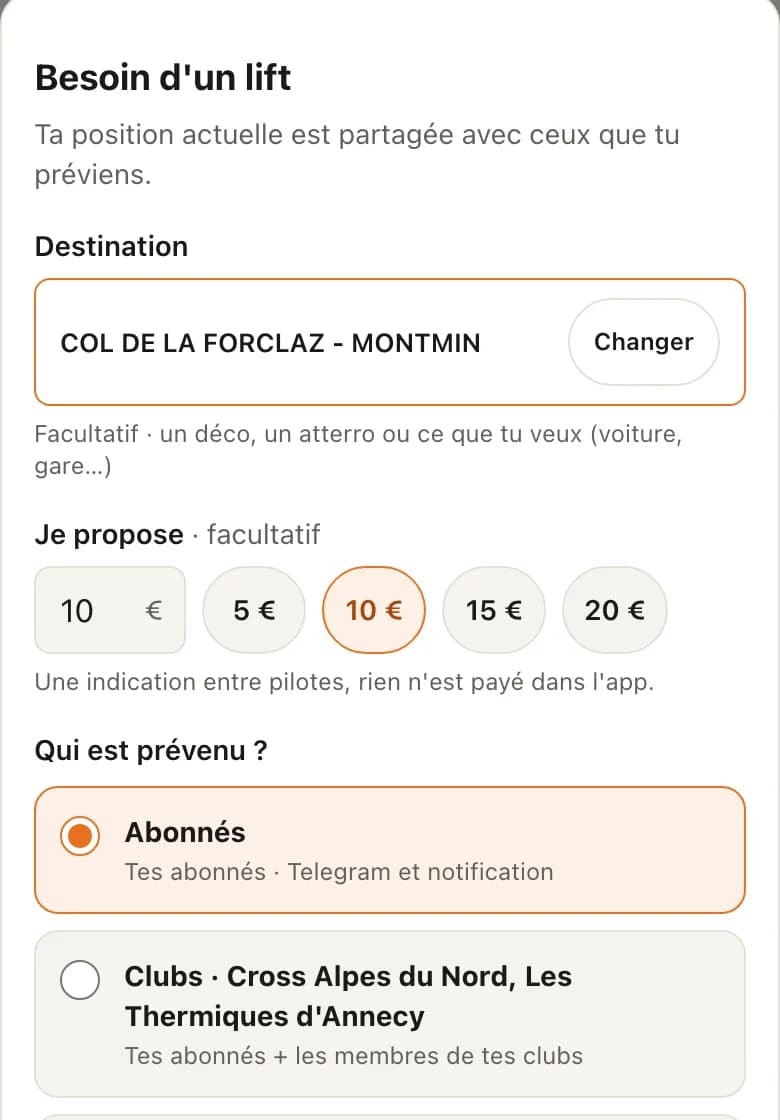
FlyBuddy looks after your friends, even without the map.
Free, in Telegram or on the website.